 Prime IPTV Player
Your IPTV, beautifully played.
Prime IPTV Player brings the service you already have from your own provider to your phone, tablet and TV.
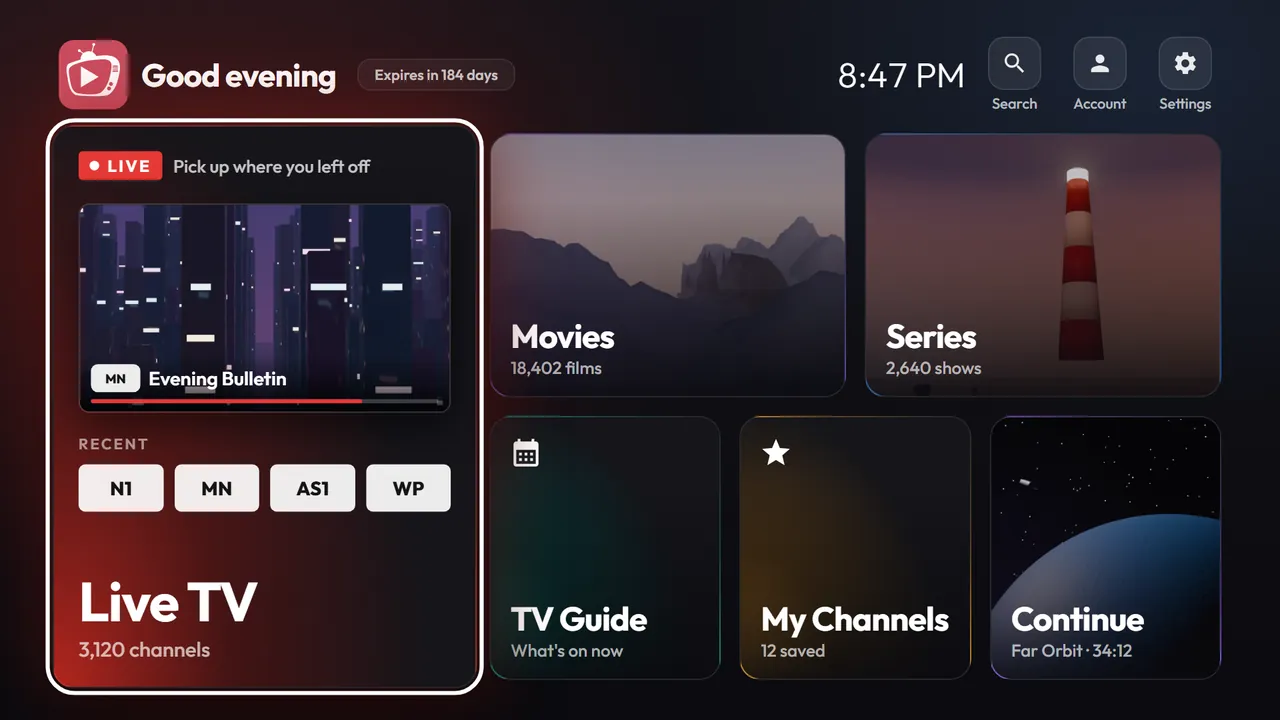
Sample content shown. Your own provider supplies what you watch.
Everything in its place.
A calm, fast interface for the playlist you already pay for.
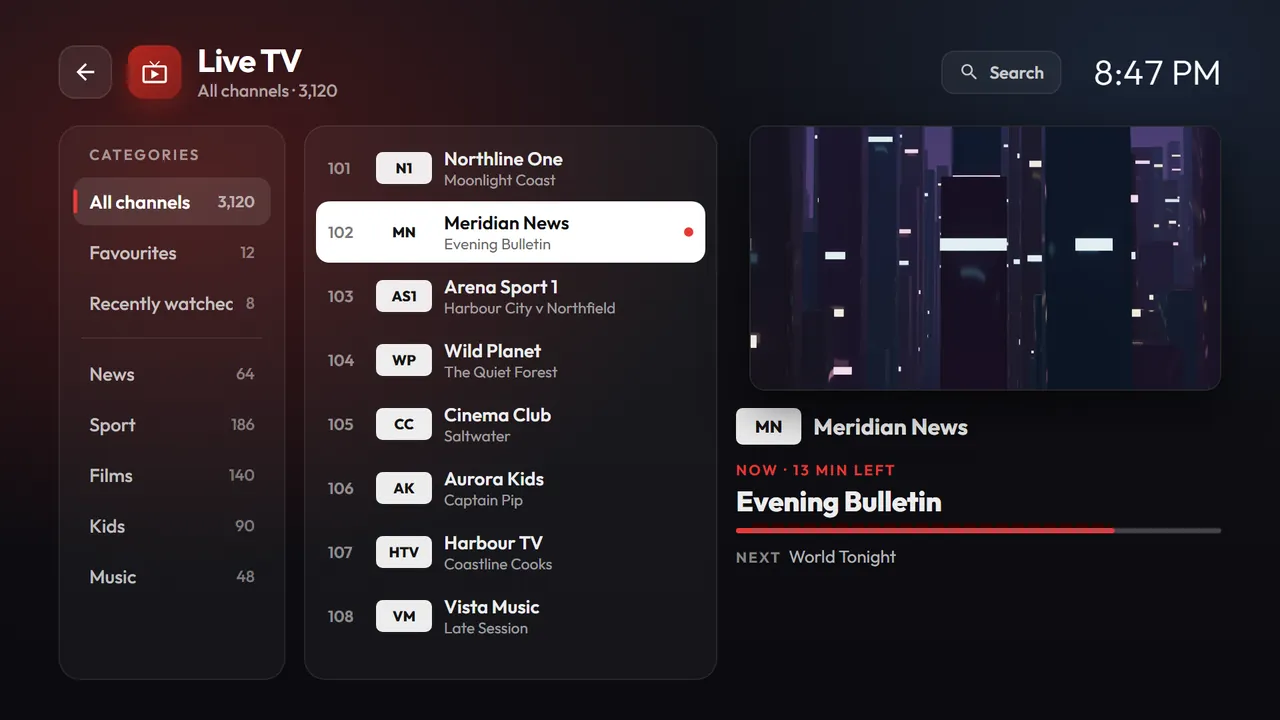
Live TV, organised
Browse your provider’s channels by category, save favourites to My Channels and return to what you watched recently.
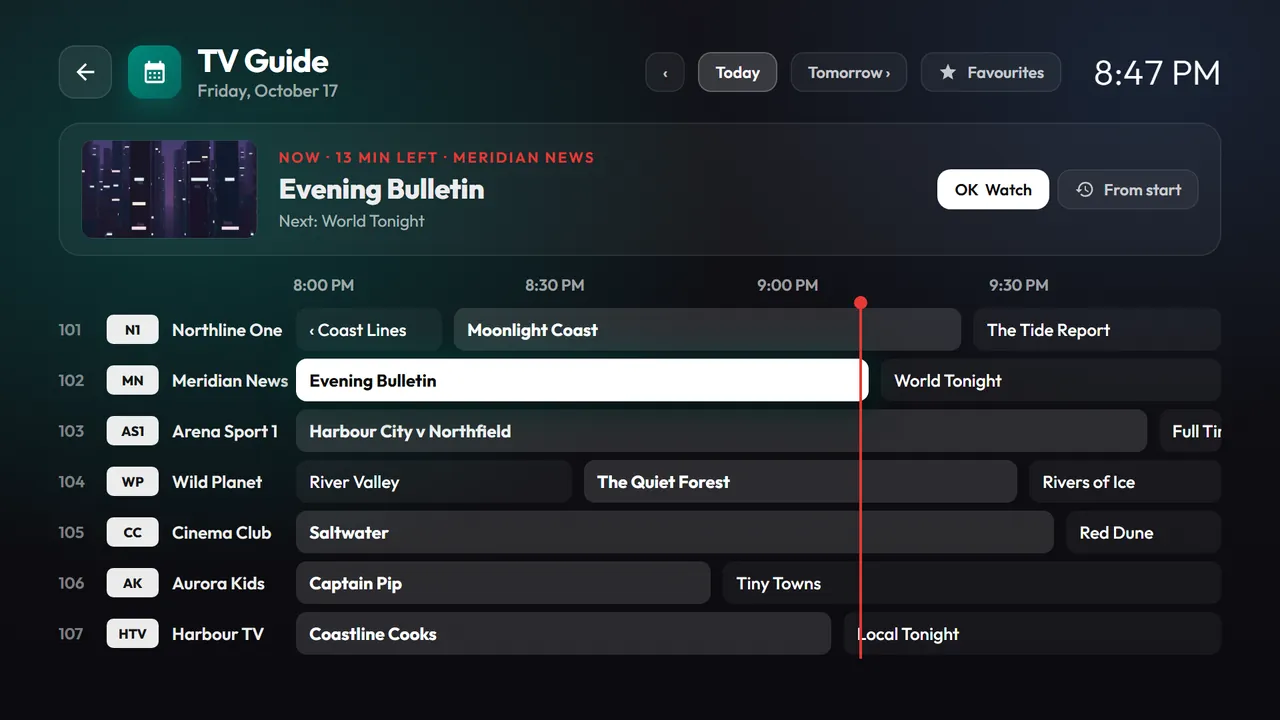
Now and next
The TV guide shows what is on now and what follows.
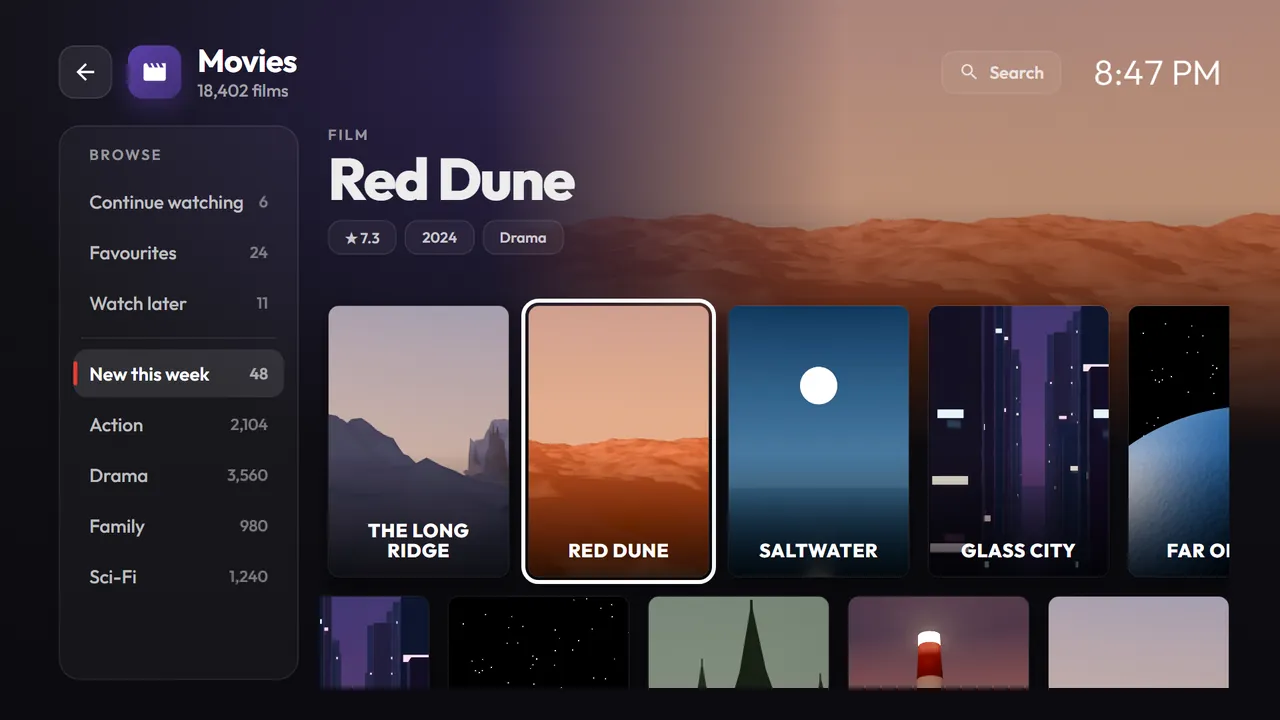
Films and series
Pick up exactly where you left off.
Quick search
Find what you want without scrolling.
Several lines
Keep more than one line on a single device and switch between them.
Made for the remote
Every screen works with the D-pad, and touch works too.
Built for the big screen.
Clear focus, large type and a layout you can read from the sofa.
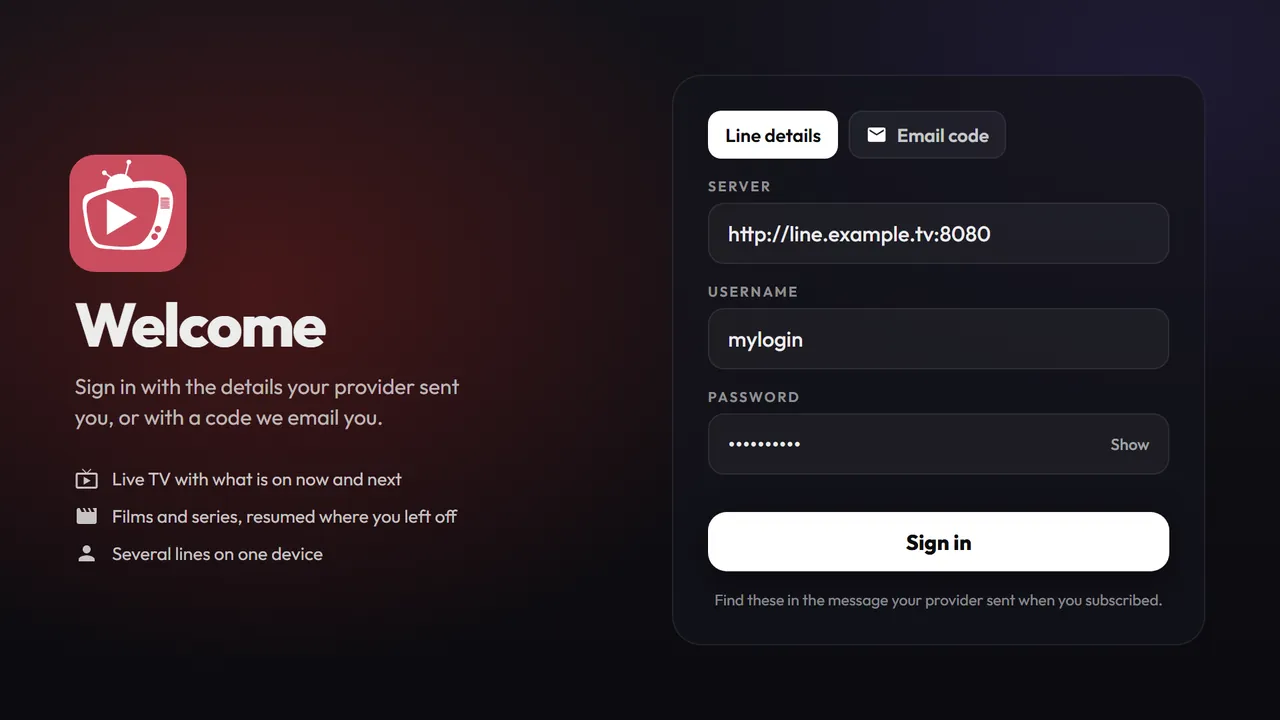
Ready in three steps.
Get the app
Download the APK from this page and install it.
Sign in
Enter the line details from your provider, or use a 4-digit code sent by email.
Watch
Your provider’s content appears, ready to play.
How to install.
Android phone, tablet and Android TV
- Download the APK from this page.
- Open the file.
- If Android asks, allow installs from this source. This is the standard Install unknown apps permission.
- Tap Install, then open Prime IPTV Player.
Fire TV Stick, Fire TV and Fire Cube
- Install the Downloader app from the Amazon Appstore.
- Go to Settings › My Fire TV › Developer options and turn on Install unknown apps for Downloader.
- Open Downloader and enter iptvprime.net.
- Select Download the APK, then Install.
- Open Prime IPTV Player and sign in.
Questions.
Does Prime IPTV Player include channels?
No. It is a player only. You bring your own provider, and all content comes from them.
Is it free?
Yes. The download is free.
Which devices does it support?
Android 5.0 and newer phones and tablets, Android TV, and Fire TV Stick, Fire TV and Fire Cube.
What login details do I need?
Your provider’s server URL, username and password. Or use a 4-digit code sent by email.
Is my data shared?
Your login details stay on your device. They go only to your provider’s server.
How do I update?
Download the latest APK from this page and install it over the current version.